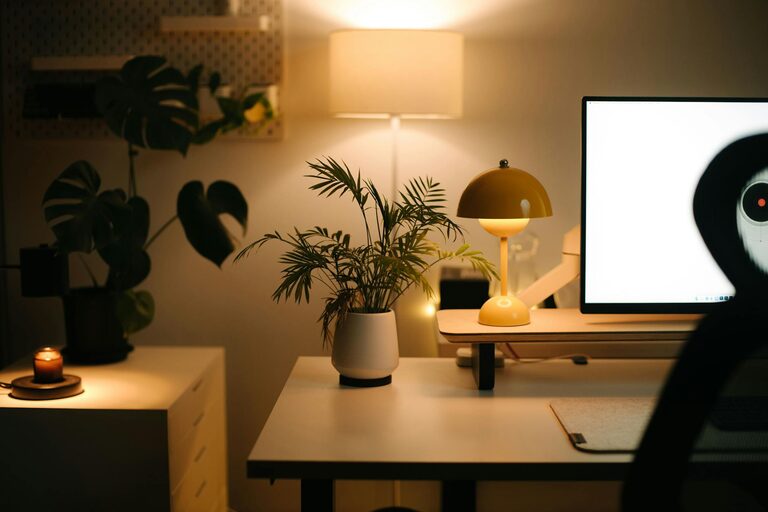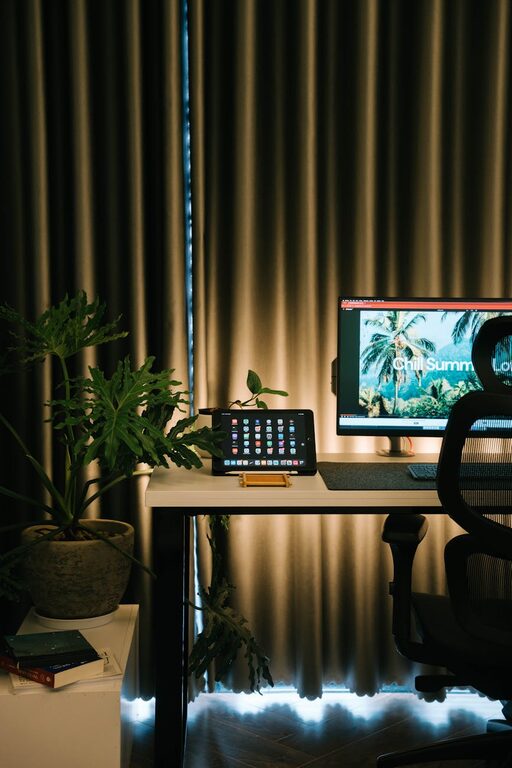
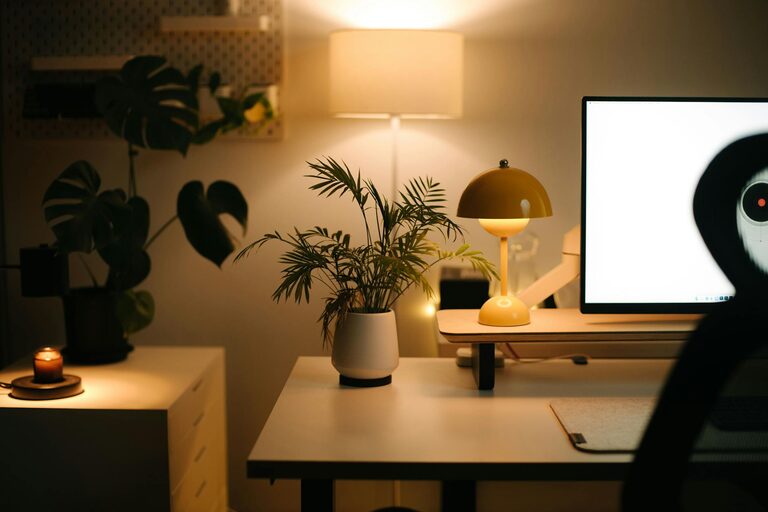
Creating a cozy and functional home workspace is essential for anyone who spends a significant amount of time working from home. A well-designed space can improve productivity, reduce stress, and make your workday more enjoyable. Whether you have a small corner or a dedicated room, these tips will help you create an environment that balances comfort with efficiency.
1. Choose the Right Location
Consider natural light
Natural light has a positive impact on mood and energy levels. If possible, set up your workspace near a window. This will not only give you better lighting but also a pleasant view that can help reduce eye strain and mental fatigue.
Minimize distractions
Select a spot that is relatively quiet and free from household distractions. If your home is busy or noisy, consider using noise-cancelling headphones or adding soft furnishings like rugs and curtains to absorb sound.
2. Invest in Comfortable and Supportive Furniture
Ergonomic chair
A good chair is one of the most important investments for your workspace. Look for one that supports your lower back, encourages good posture, and can be adjusted to suit your height and desk level.
Functional desk
Choose a desk that fits your space and workflow. It should be large enough to accommodate your computer, documents, and any tools you use regularly without feeling cluttered.
Consider standing options
Alternating between sitting and standing can improve health and focus. If you can, consider a sit-stand desk or a desktop converter to give yourself this flexibility.
3. Organize for Efficiency
Declutter regularly
A tidy workspace helps keep your mind clear. Regularly remove unnecessary items and keep only the essentials within reach.
Use storage solutions
Shelves, drawers, and organizers can keep your desk surface clean and make it easier to find what you need. Vertical storage is a great way to save space.
Cable management
Keep cords and cables neat to avoid a tangled mess. Cable clips, sleeves, or boxes can help keep everything organized and reduce hazards.
4. Personalize Your Space
Add plants
Plants improve air quality and add a touch of nature, creating a calming atmosphere. Choose low-maintenance varieties suited to your space.
Choose soothing colors
Soft, neutral colors or gentle pastels are ideal for a relaxing workspace. Avoid overly bright or distracting tones.
Include personal touches
Photos, artwork, or meaningful items can make your workspace feel welcoming and inspiring.
5. Control Lighting
Use layered lighting
In addition to natural light, have a combination of overhead lighting and task lighting. Desk lamps with adjustable brightness can reduce eye strain during late hours.
Avoid glare
Position your screen and lights to minimize glare, which can cause discomfort and headaches.
6. Foster Good Habits and Breaks
Set boundaries
Define your workspace clearly to help mentally separate work from leisure time. When you leave your workspace at the end of the day, it helps you shift into relaxation mode.
Take regular breaks
Schedule short breaks to stand, stretch, or take a quick walk. This supports physical health and keeps your mind fresh.
7. Utilize Technology Wisely
Reliable equipment
Use a dependable computer and internet connection to avoid frustration. Keep your software updated for smooth performance.
Helpful accessories
Consider ergonomic keyboards, mouse pads, and monitor stands to improve comfort and reduce strain.
—
Creating a cozy and functional home workspace does not require expensive renovations. By thoughtfully choosing your location, investing in ergonomic furniture, organizing smartly, and adding personal touches, you can build an environment that supports your work and well-being. Remember, even small changes can make a significant difference, making your home office a pleasant place to spend your working hours.
About the Author