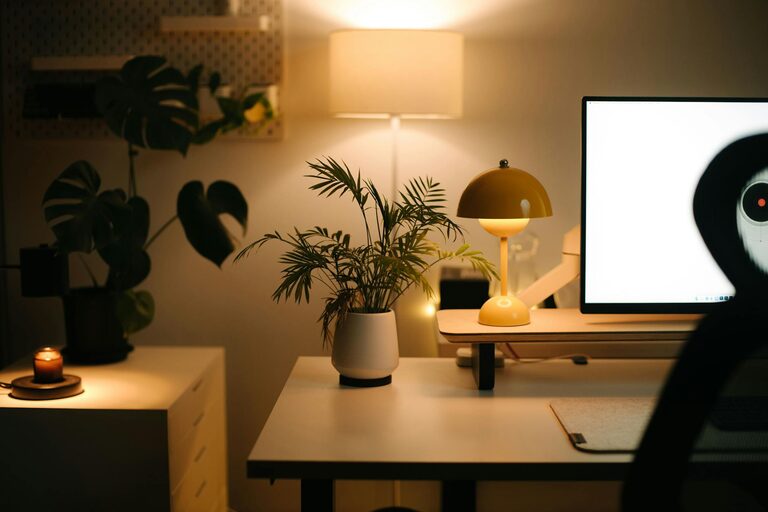
Creating a cozy and productive home workspace is essential for anyone working remotely or pursuing projects at home. A well-designed workspace not only boosts your focus and efficiency but also makes your workday more enjoyable. Here are some practical tips to help you transform any corner of your home into a comfortable and effective work area.
Choose the Right Location
Consider Natural Light
Natural light has a positive effect on mood and energy levels. Try to set up your workspace near a window to take advantage of daylight. Position your desk so that the light illuminates your work area without causing glare on your screen.
Minimize Distractions
Pick a spot that is quiet and away from high-traffic areas in your home. This helps reduce interruptions and keeps you focused. If you don’t have a separate room, consider using room dividers or noise-cancelling headphones.
Invest in Comfortable and Functional Furniture
Ergonomic Chair and Desk
Your chair and desk are the foundation of a productive workspace. Invest in an ergonomic chair that supports your back and encourages good posture. Choose a desk with enough surface area for your computer, notepad, and any other essential tools.
Adjustable Options
Furniture that adjusts to your height and sitting preferences can reduce strain and improve comfort. Adjustable desks that allow you to alternate between sitting and standing are increasingly popular and beneficial for health.
Personalize Your Space
Add Cozy Elements
Incorporate items that make your workspace inviting, such as a soft throw blanket, cushions, or a small rug. These additions can make your environment more pleasant and help you feel relaxed.
Decorate Thoughtfully
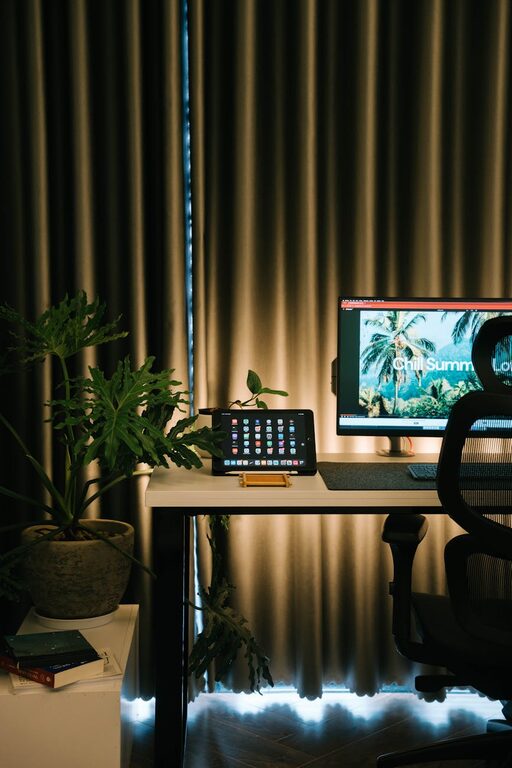
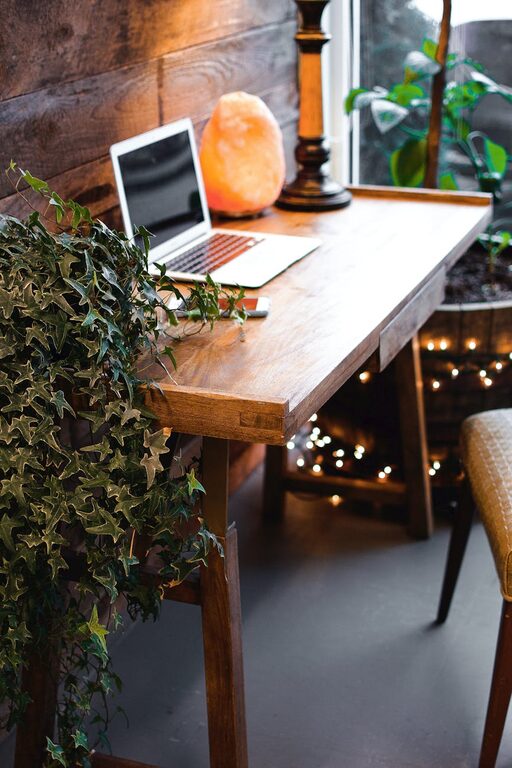
Use artwork, plants, or inspirational quotes to decorate your workspace. Plants improve air quality and add a refreshing touch of nature. Keep decorations minimal to avoid clutter but enough to motivate you.
Organize for Efficiency
Declutter Regularly
A messy desk can be distracting. Develop a habit of tidying your workspace at the end of each day. Use organizers, trays, or shelves to keep papers, office supplies, and electronics in order.
Use Smart Storage Solutions
Consider storage that fits your space, such as wall-mounted shelves, filing cabinets, or drawer organizers. Labeling storage can save time when searching for supplies.
Optimize Lighting
Layered Lighting
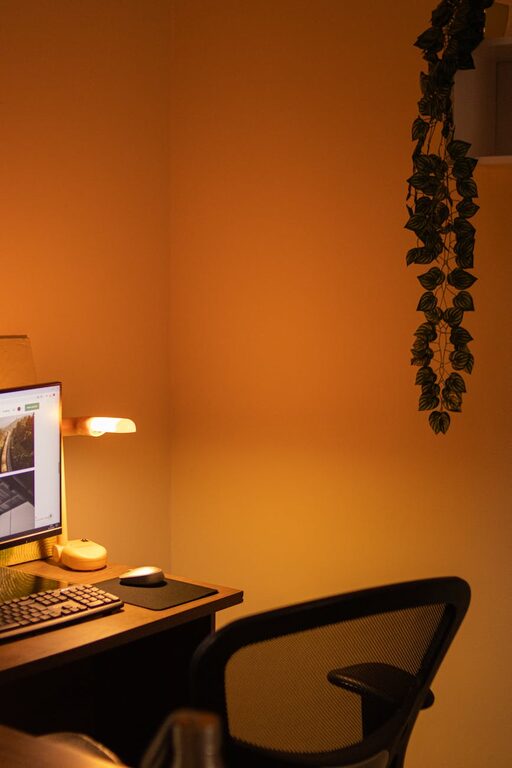
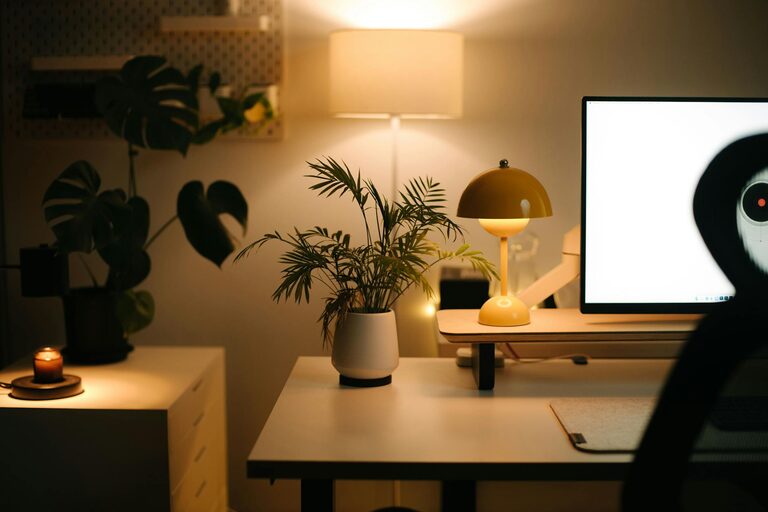
Use a combination of ambient, task, and accent lighting. Ambient light fills the room, task lighting focuses on your work area, and accent lighting adds warmth and personality.
Adjustable Desk Lamp
Having a desk lamp with adjustable brightness helps reduce eye strain and provides adequate lighting for detailed work.
Create a Routine and Boundaries
Set Work Hours
Define specific work hours to build consistency. This helps separate your professional time from personal time, even within the same space.
Designate Workspace for Work Only
Avoid using your workspace for leisure activities. This mental separation helps you switch into “work mode” and enhances productivity.
Incorporate Technology Wisely
Reliable Internet and Equipment
Ensure your internet connection is strong and stable. Invest in good-quality headphones, a webcam, and other equipment you need for virtual meetings.
Cable Management
Use clips, sleeves, or cable boxes to keep cords organized and out of the way. This reduces clutter and makes your workspace feel cleaner.
Maintain Comfort
Control Temperature and Ventilation
Keep your workspace at a comfortable temperature. Good airflow is important for alertness and preventing fatigue.
Take Breaks and Stretch
Set reminders to take short breaks and stretch regularly. Moving around helps maintain energy levels and reduces discomfort from sitting too long.
—
Designing a cozy and productive home workspace is about balancing comfort with function. With thoughtful planning and a few simple changes, you can create an environment that supports your best work and makes each day more enjoyable. Whether you have a dedicated room or just a small nook, these tips will help you make the most of your space.
About the Author