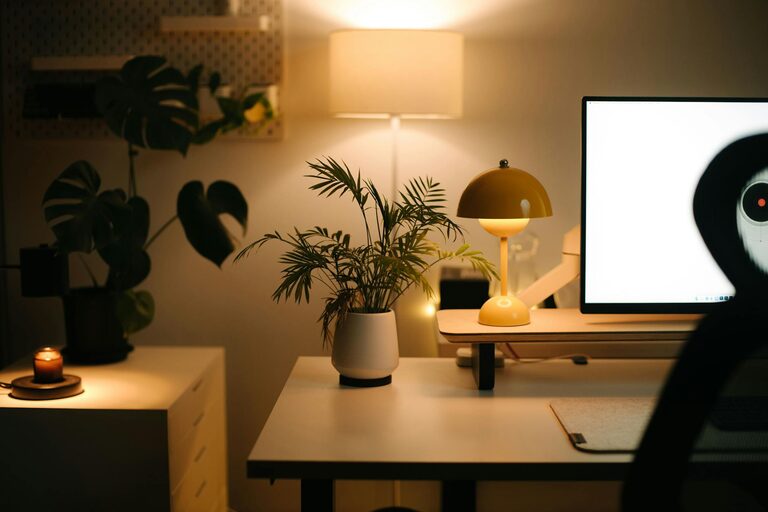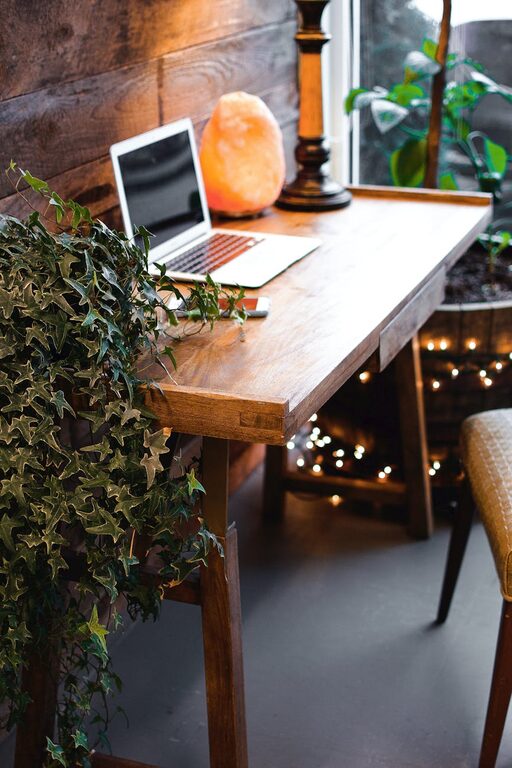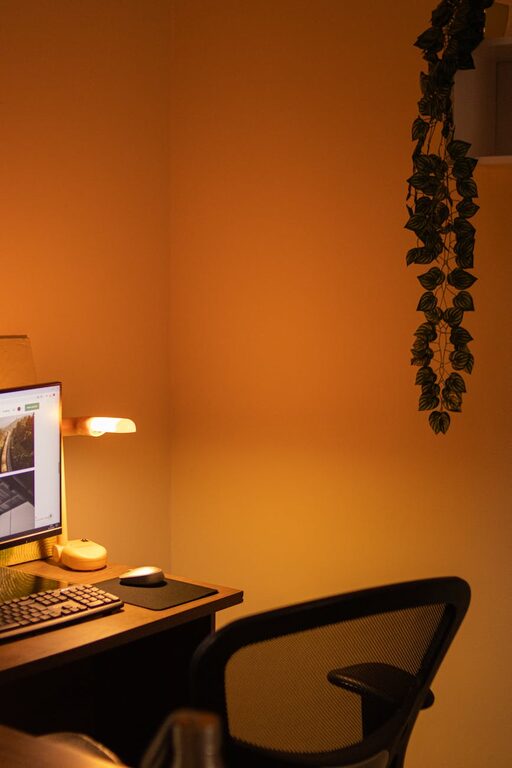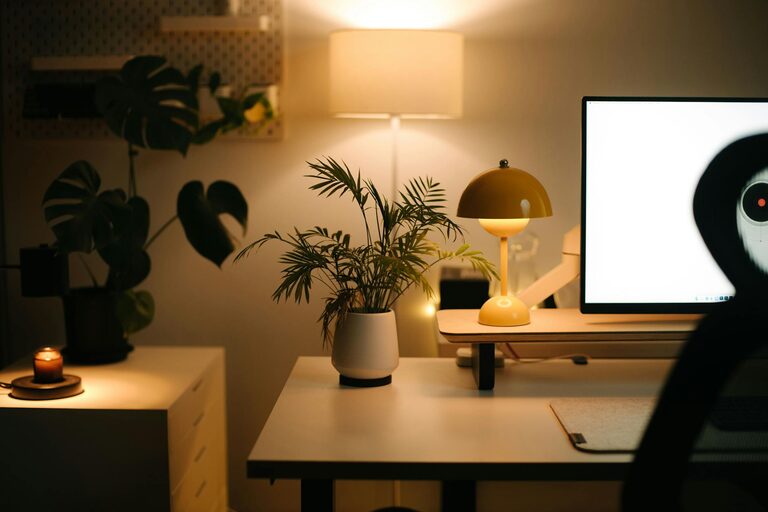
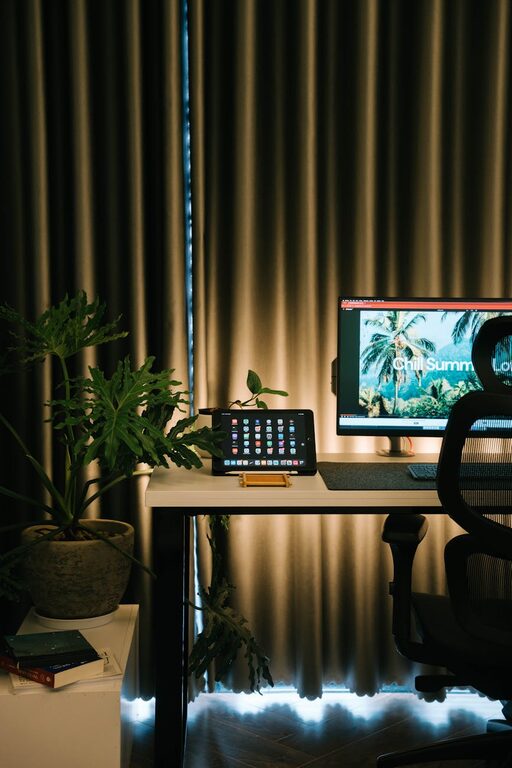
Creating a home office that is both cozy and productive can make a big difference in your daily work routine. Whether you work remotely full-time, freelance, or just need a dedicated spot for occasional tasks, a well-designed space helps you stay focused and comfortable. Here are practical tips to help you set up an inspiring home office that suits your style and work needs.
Choose the Right Location
The location of your home office sets the tone for productivity and comfort.
– Quiet Space: Pick a room or corner away from noisy areas to minimize distractions.
– Natural Light: Place your desk near a window if possible. Natural light improves mood and reduces eye strain.
– Privacy: Consider how much privacy you need. Use room dividers or curtains if your office shares a room.
Invest in Comfortable Furniture
Your furniture plays a key role in comfort and productivity.
– Ergonomic Chair: Select a chair that supports your back and encourages good posture.
– Functional Desk: Choose a desk with enough surface area for your computer, notebook, and other essentials.
– Adjustable Features: Desks or chairs with adjustable height allow you to customize your workspace.
Organize with Purpose
An organized space reduces stress and helps you focus.
– Storage Solutions: Use shelves, filing cabinets, or drawers to keep supplies in order.
– Declutter Regularly: Clear off your desk daily or weekly to maintain a tidy workspace.
– Desk Accessories: Add organizers for pens, papers, and gadgets to keep tools accessible but not messy.
Create a Calming Atmosphere
A soothing environment supports focus and creativity.
– Color Choices: Use soft, neutral colors or your favorite calming hues for walls and decor.
– Greenery: Adding plants can improve air quality and bring a refreshing touch to your office.
– Personal Touches: Include artwork, photos, or inspirational quotes that make you happy without causing distraction.
Optimize Lighting
Good lighting is essential for comfort and productivity.
– Task Lighting: Use a desk lamp to provide focused light for reading or writing.
– Avoid Glare: Position screens to reduce glare from windows or overhead lights.
– Balanced Illumination: Combine natural, ambient, and task lighting for the best effect.
Manage Technology Efficiently
Technology is the backbone of most home offices, so make it work for you.
– Reliable Internet: Ensure your connection is stable for smooth video calls and downloads.
– Cable Management: Use clips, sleeves, or boxes to keep cords tidy and out of sight.
– Backup Plan: Keep backup drives or cloud storage to save important documents securely.
Define Work Hours and Breaks
Separating work from relaxation boosts productivity and well-being.
– Set a Schedule: Create consistent start and end times for your workday.
– Take Breaks: Step away regularly to stretch, hydrate, or relax your eyes.
– Use Alarms: Set timers to remind yourself when to pause or wrap up tasks.
Additional Comfort Tips
Small additions can enhance your workspace comfort.
– Temperature Control: Use fans, heaters, or humidifiers to maintain a pleasant room temperature.
– Noise Control: Play soft instrumental music or white noise if silence feels too stark.
– Comfort Items: Keep a cozy blanket, cushion, or wrist support nearby for added comfort.
Final Thoughts
Building a home office that feels both cozy and productive is about balancing comfort with function. Use the tips above to tailor your space to your working style and personal preferences. A thoughtfully designed home office can help you stay motivated, reduce stress, and enjoy your workday more. Start small and adjust your setup over time as you discover what works best for you.
With the right environment, you’ll be ready to tackle tasks efficiently while feeling comfortable and inspired every day.
About the Author